
How to use Stopwatch 100 Laps Cycle
December 27, 2015
How to use Stopwatch 100 Laps Cycle
Description :
Stopwatch 100 Laps Cycle is a tool to observe Cycle Time directly from Your Notebook / Netbook
With this tool, You can observe Cycle Time and make graph for the result automatically.
After finish observe cycle time You can save as the result and analyze the data.
Capacity for this stopwatch program is 100 laps.
Features :
– 100 Laps Stopwatch
– Control stopwatch with keyboard key (S for start/stop, R for Reset, C for write comment)
– Directly input in to Time Study Sheet Form and calculate max, min, average and fluctuation (baratsuki)
– Write comment if you found fluctuation for cause of fluctuation information
– Save as the result as new book (non macro file)
– Easy to use
FREE
Screenshot :
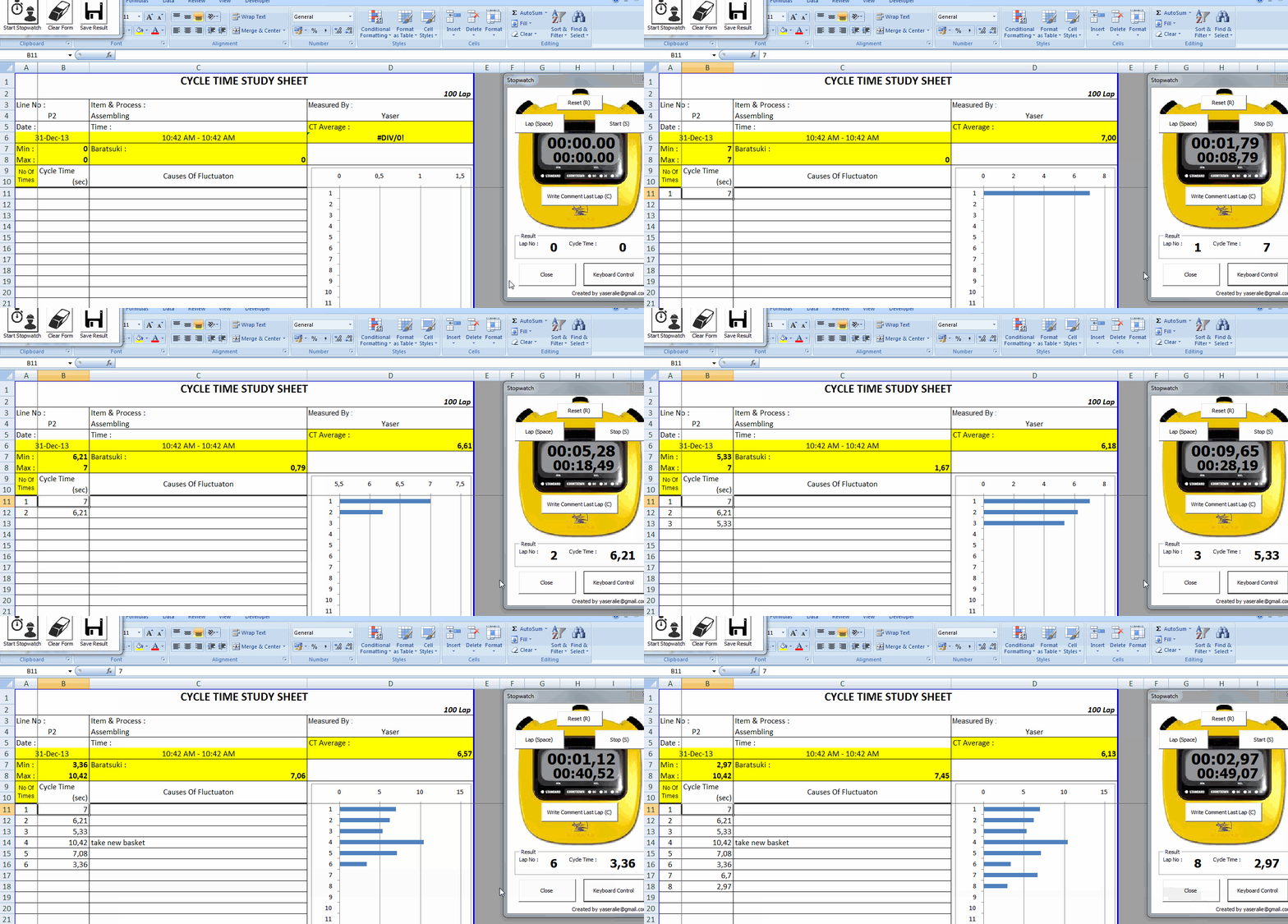
Download HERE
Using Stopwatch 100 Laps Cycle
1 . Download Application, save it on your computer
2 . Open file, enable macro
3 . Click Start button in Menu
4 . Fill CYCLE TIME STUDY SHEET: Line No., Item & Process, Measured by
5 . Click Start Stopwatch button to start observing cycle time
6. Start using stopwatch, you can use keyboard control to control stopwatch
Click Keyboard Control to activate keyboard control feature; S for Start/Stop, Space for Lap, R for Reset, C key for insert comment when you find abnormality
7. Click Save Result to save to a new book with non macro file